CAFE POS
From first order to final close.
Slip keeps your cafe moving—from the counter to the coffee bar, then through a clear close.
Download Slip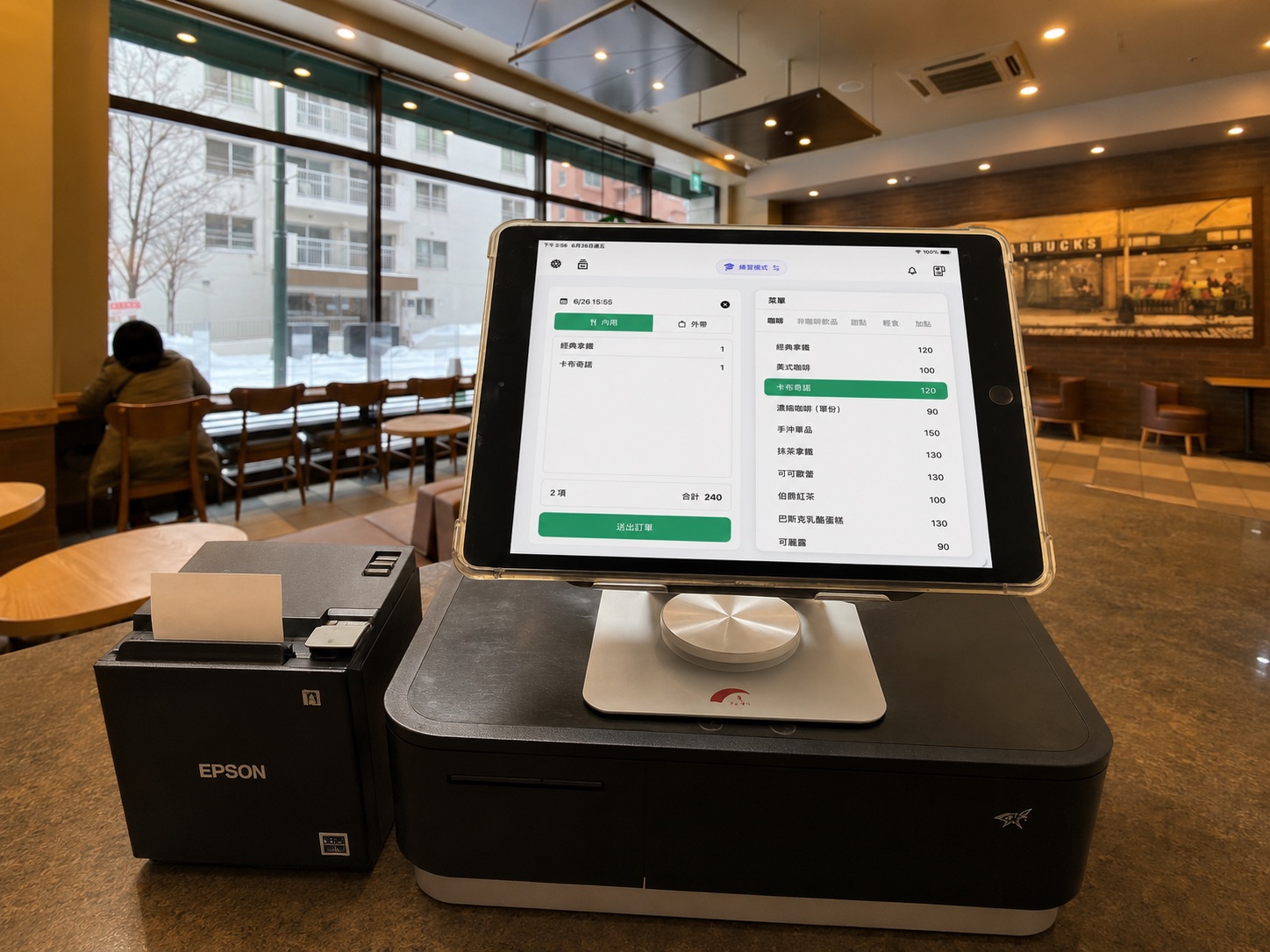
No account
Offline-ready
iPad-first
Receipt & kitchen printing
The cafe workflow
01
Take the order
Build drinks, pastries, add-ons, and dine-in or takeout orders from one familiar iPad surface.
02
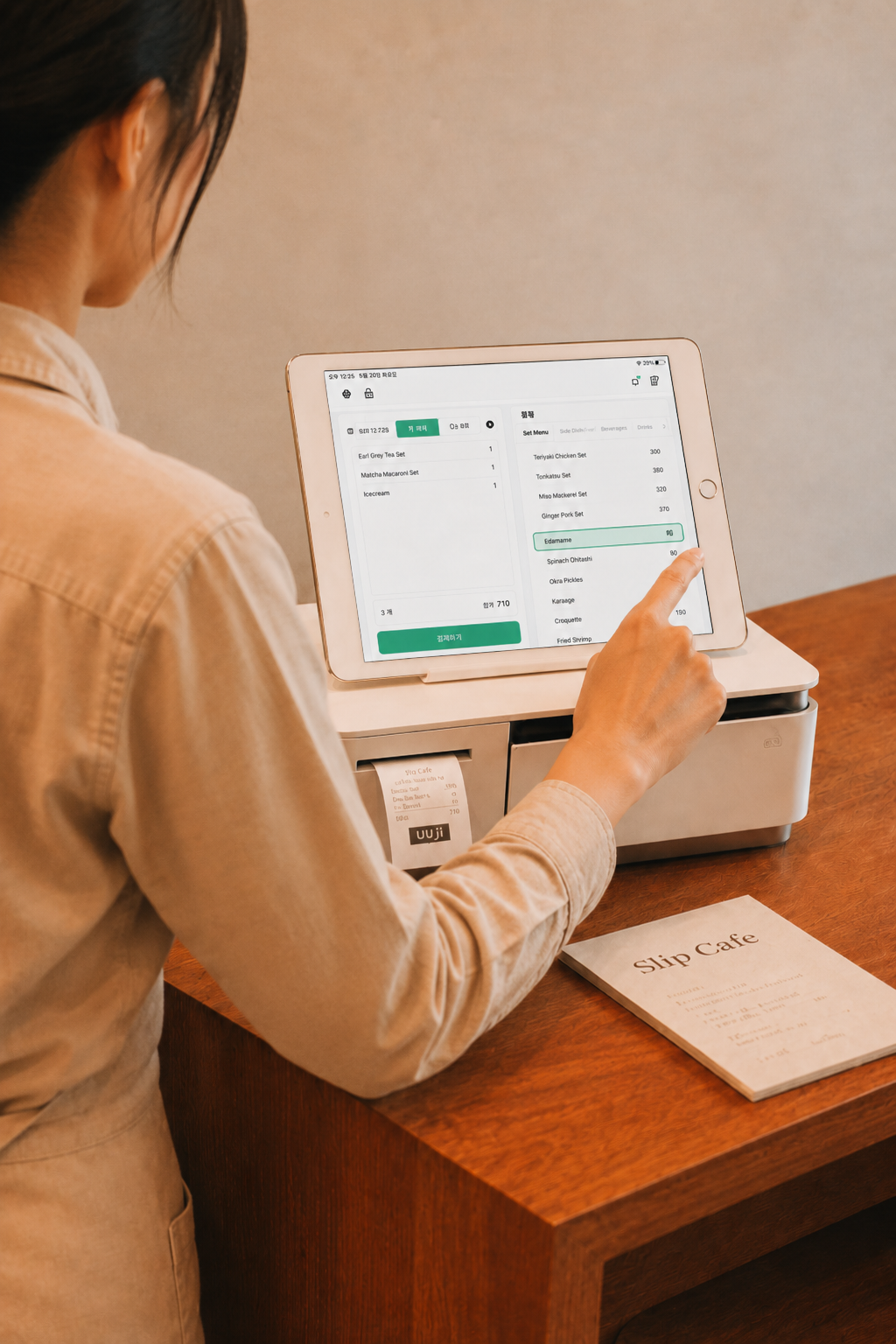
Checkout & e-invoice
Taiwan · Coming soonRecord cash or payments completed on an external device. Slip does not process payments. A Taiwan e-invoice flow is being prepared for a future release.
03
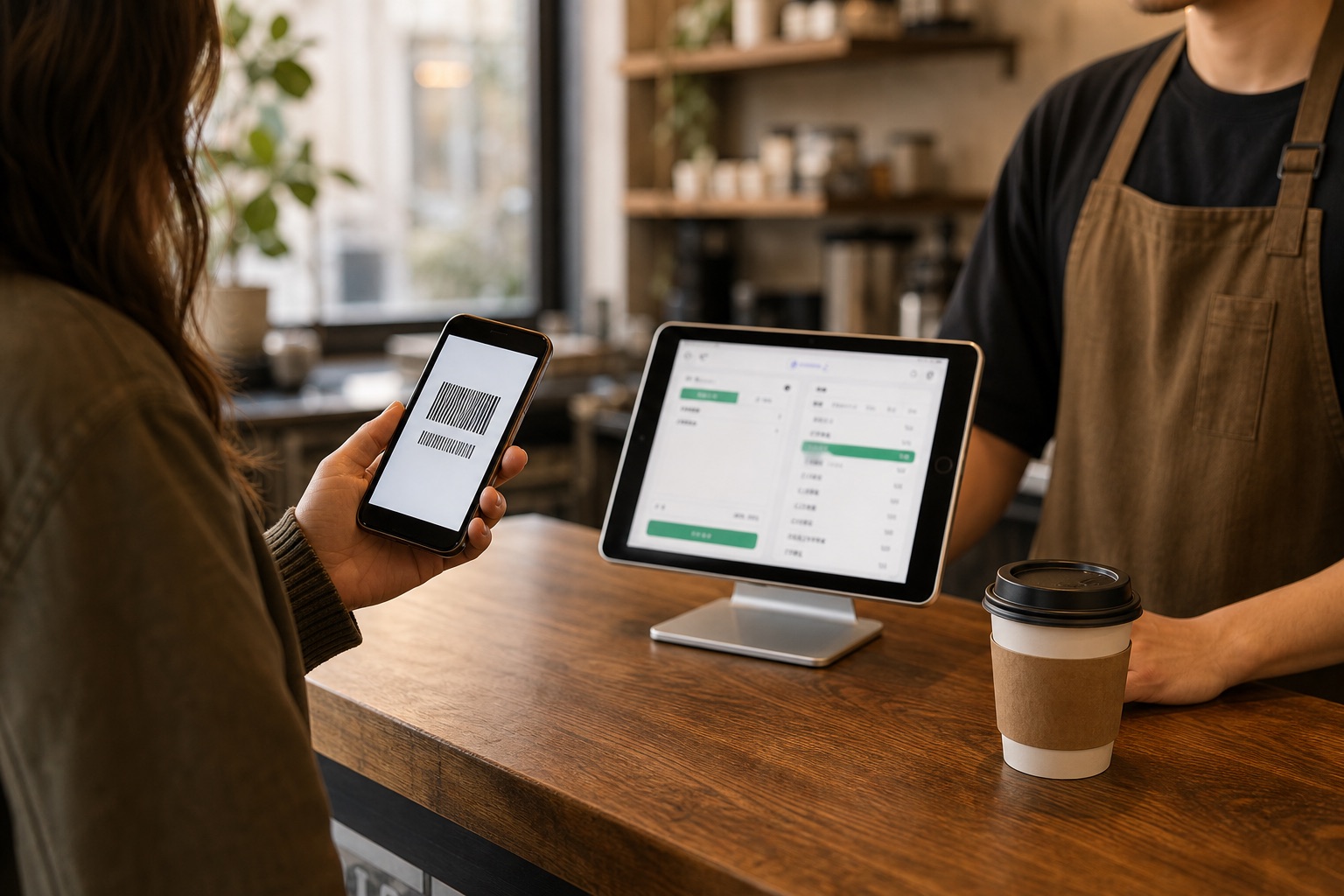
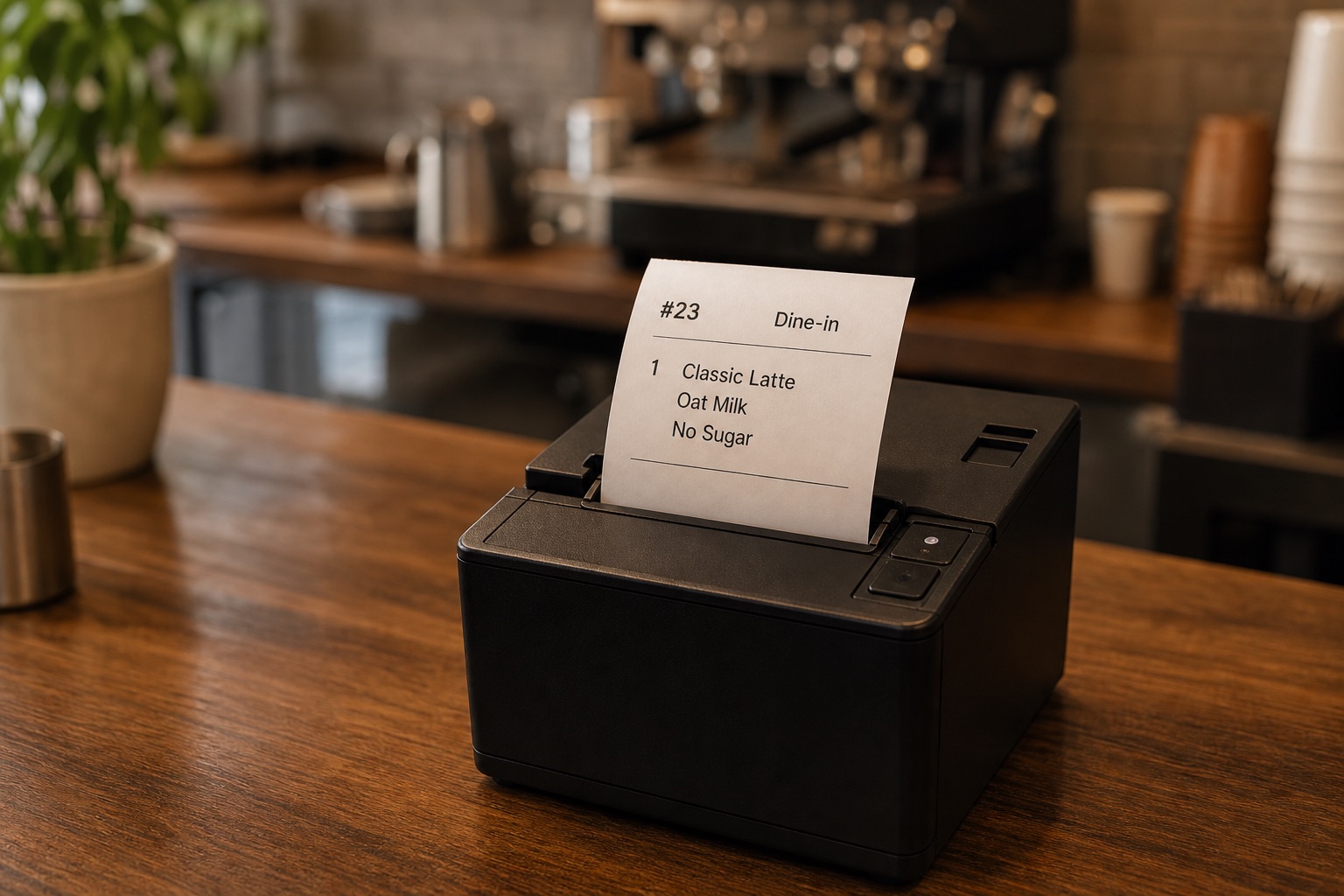
Send the ticket
Print drinks, add-ons, notes, and dine-in or takeout details so the coffee bar receives the order without another handoff.
04
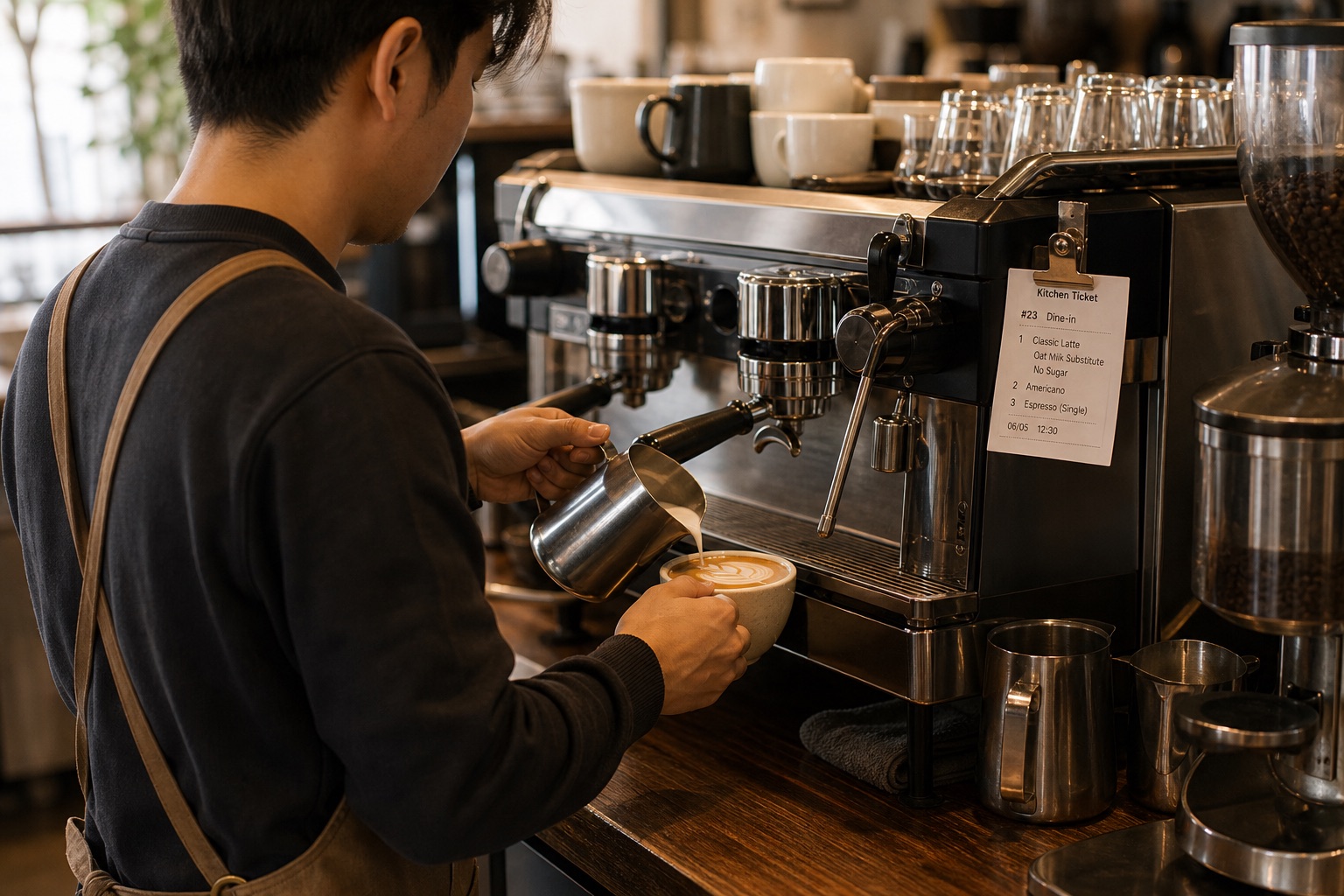
Make the coffee
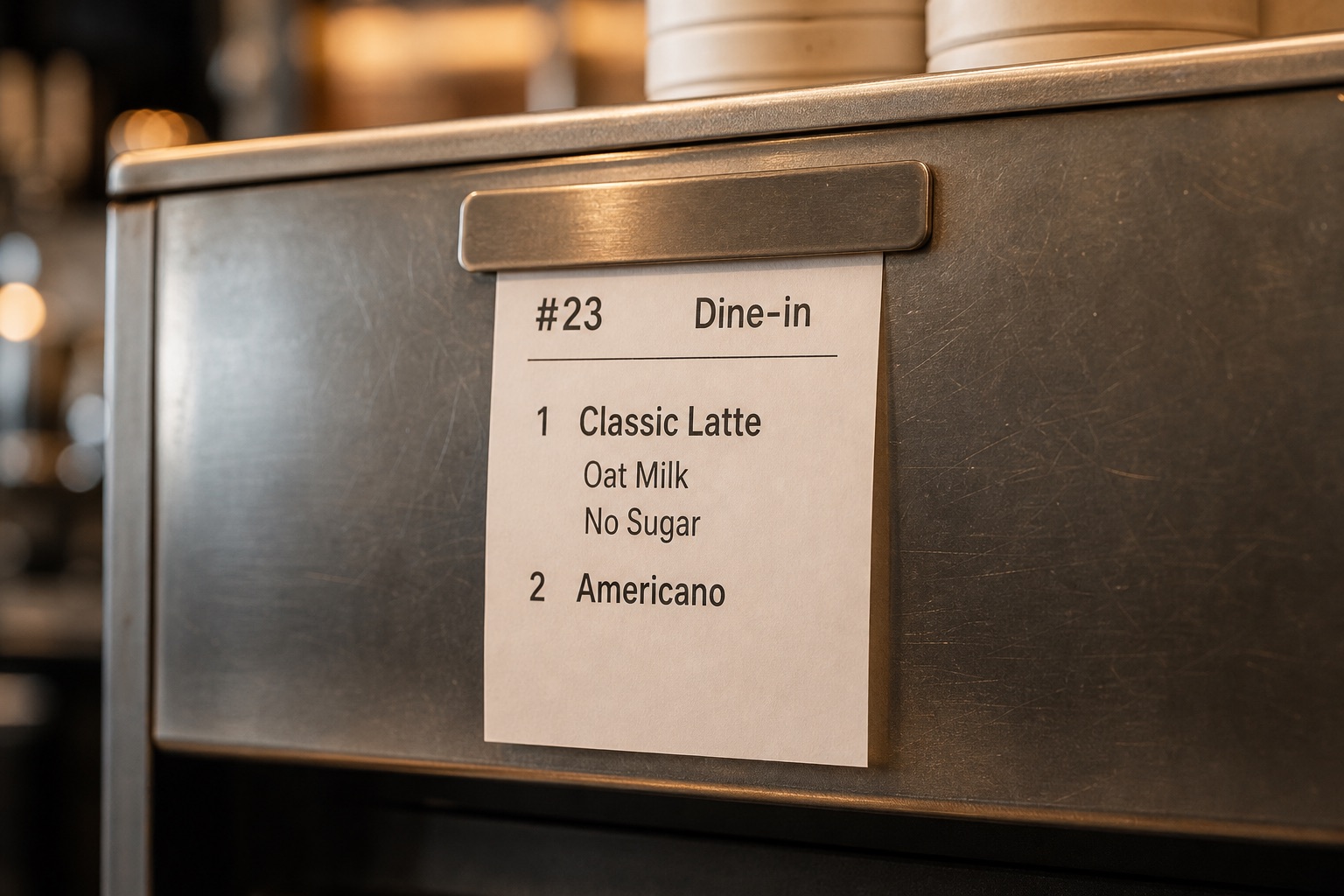
The counter sends the order once. The barista sees the same drink, milk, sugar, and service details beside the espresso machine.
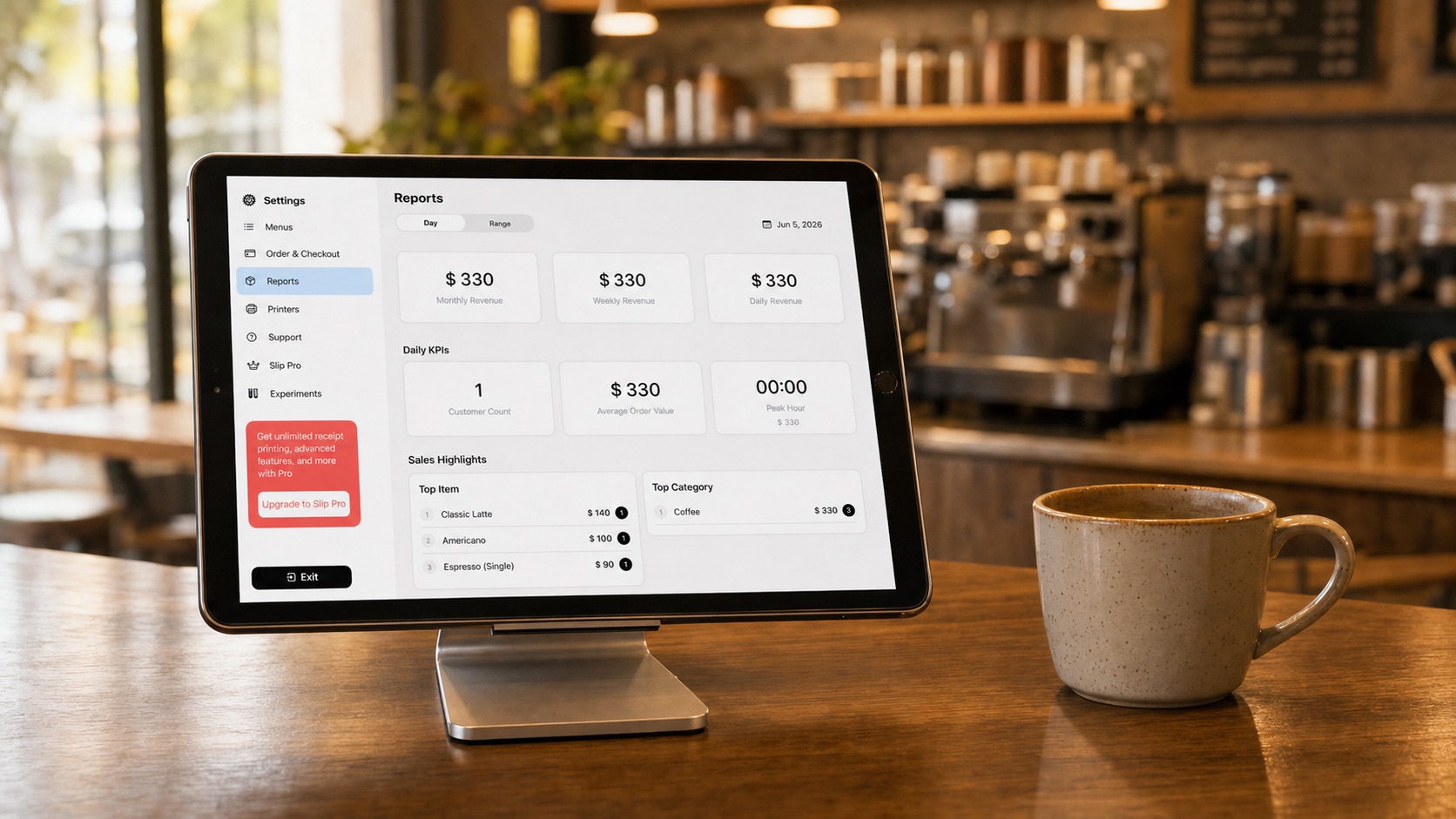
Close with clarity.
Review sales, refunds, payment records, and cash count before the shift ends.