What you sell
Keep items, options, prices, and sales modes close to where every order begins.
Take orders, print receipts, record cash or external payments, and close the day without depending on a cloud system. Payment processing is not included.
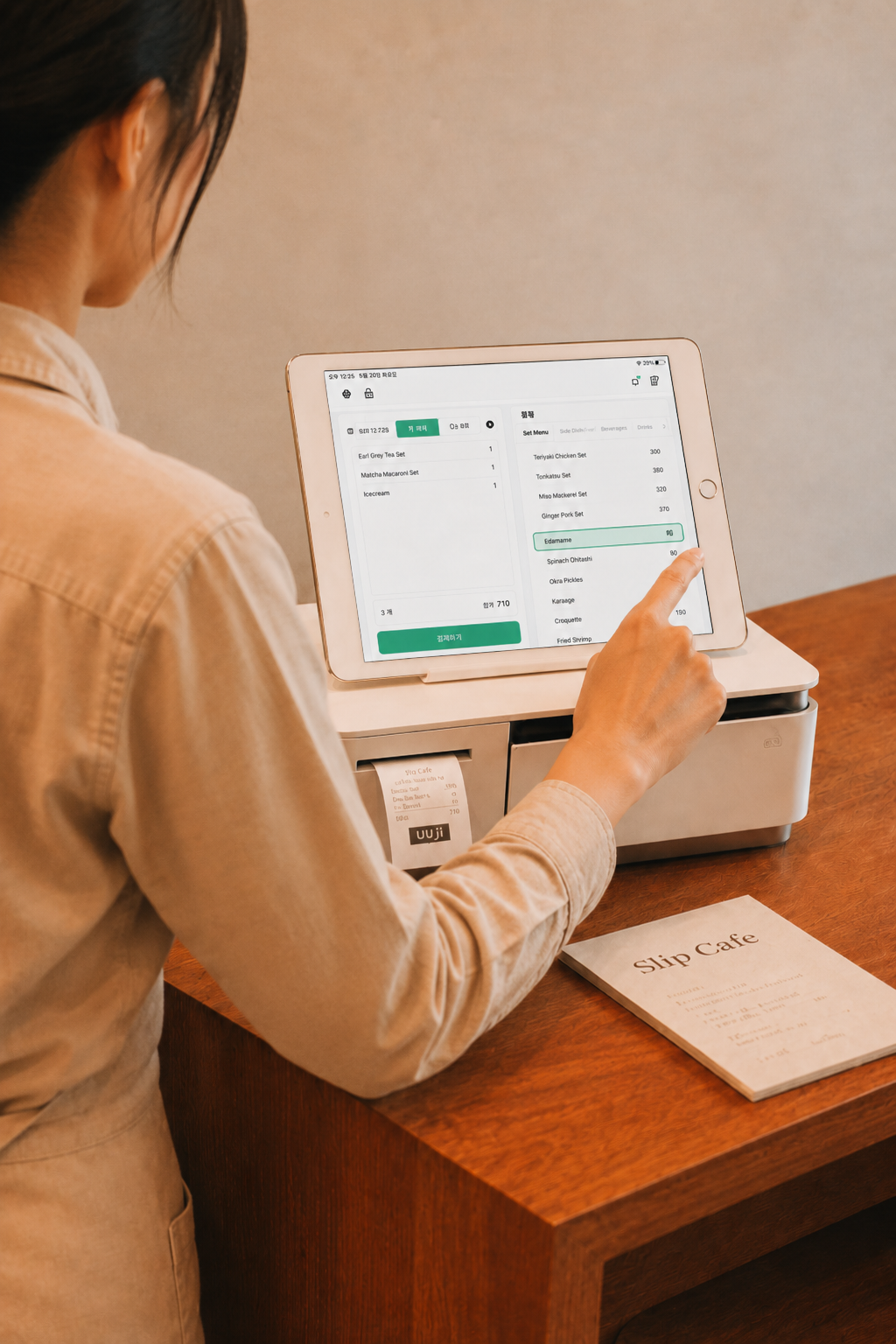
Slip is organized around the work that happens every day, from the first order to the final close.
Keep items, options, prices, and sales modes close to where every order begins.
Create, edit, and track counter, table, and takeout orders from one focused surface.
Print the right ticket with the right notes so prep can move without extra explanation.
Accept cash payments, print receipts, handle refunds, and keep the shift state visible.
Slip keeps the core POS actions direct instead of spreading a small shop across dashboards.
Build the things you sell once, then reuse them across orders, tickets, receipts, and reports.
Review cash collected, refunds, and what needs attention before daily close.
Receipt and ticket printing are part of the flow, not a separate back-office task.
Sales, refunds, cash count, and close stay in one operational review.
Slip is designed for small operators who need the basics to stay dependable during service.
Fast ordering, clear receipts, and simple daily close for teams that work from a small counter.
A standalone flow for sellers who need to take orders and keep moving without heavy setup.
Download Slip POS and begin with the essential sales flow. Add more only when the shop needs it.