MARKET STALL POS
Order. Explore. Pick up by number.
Slip keeps the stall moving—from the first order to a clear numbered pickup, even when the network is unstable.
Download Slip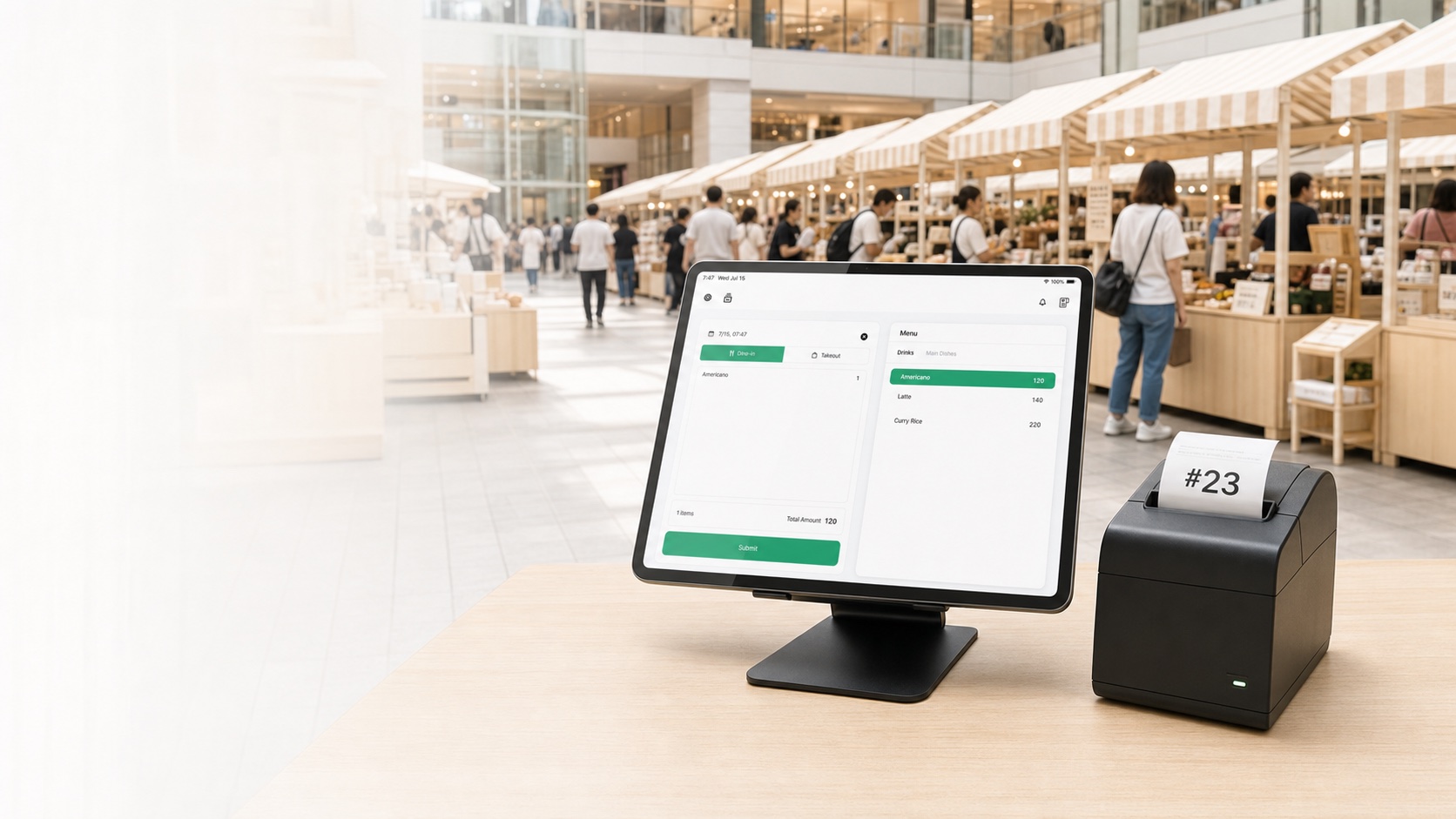
No account
Offline-ready
Printed order numbers
Simple daily close
The market stall workflow
01
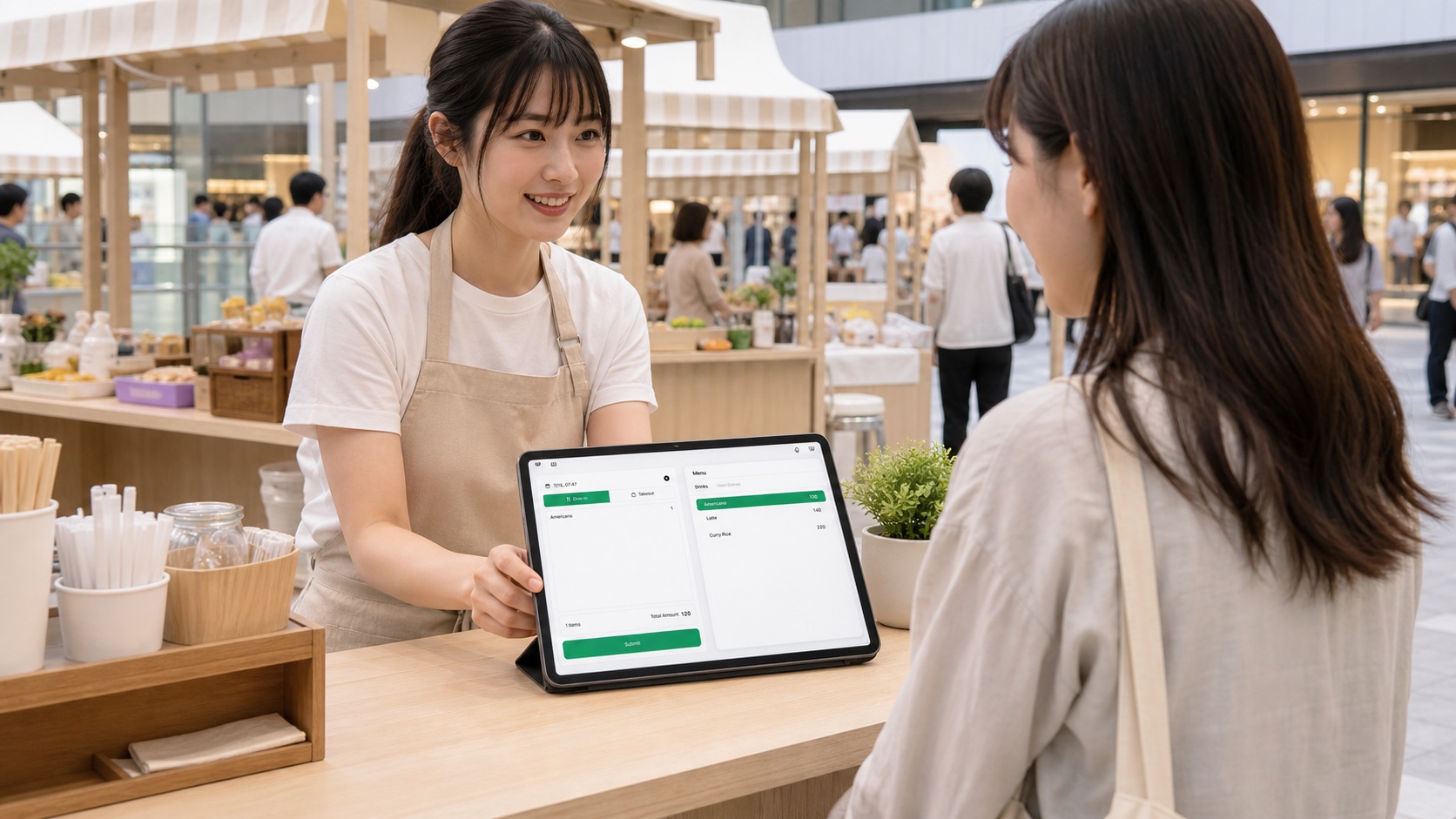
Take the order
Enter food, add-ons, and notes on Slip POS for iPad—fast, simple, and built for busy stalls.
02
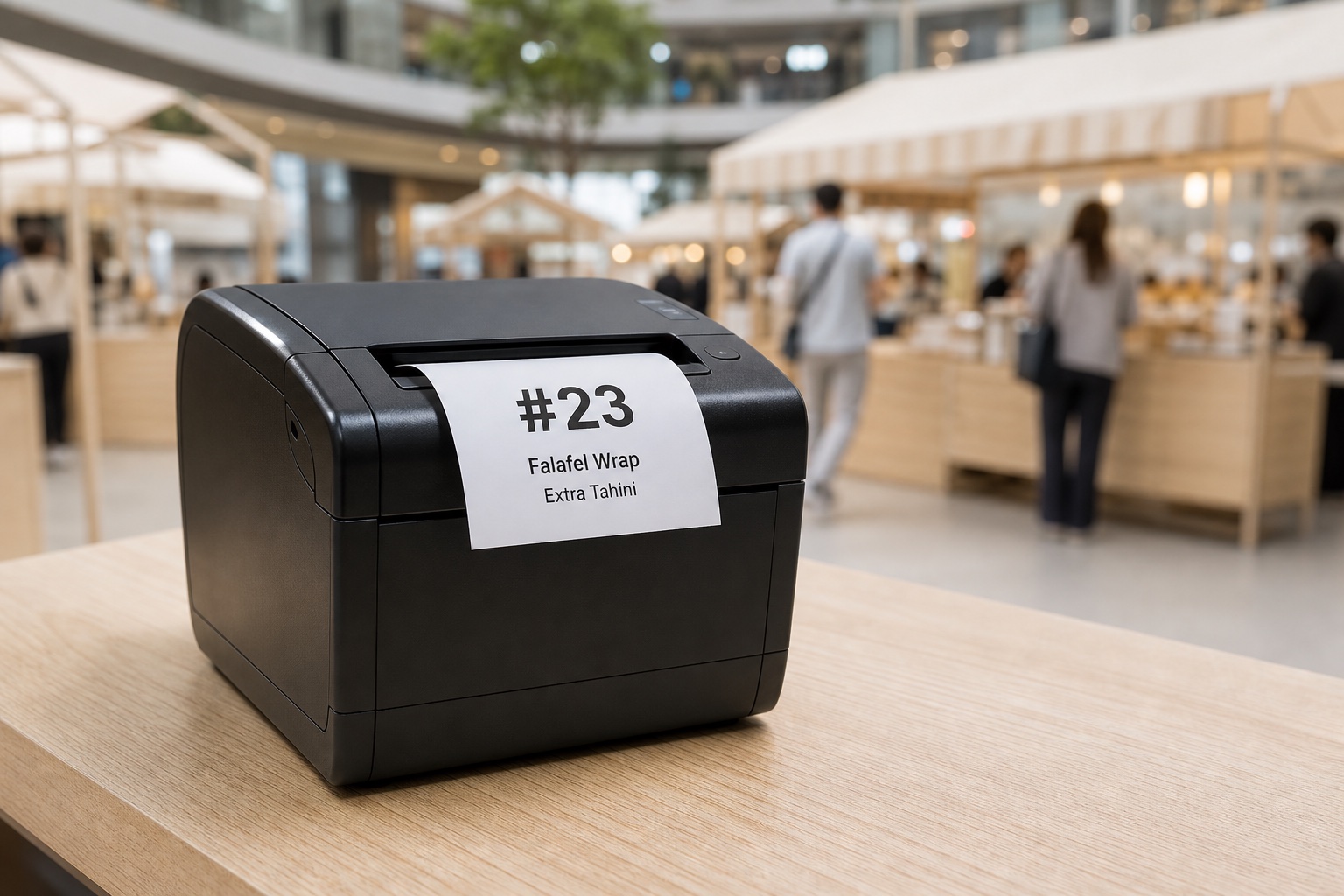
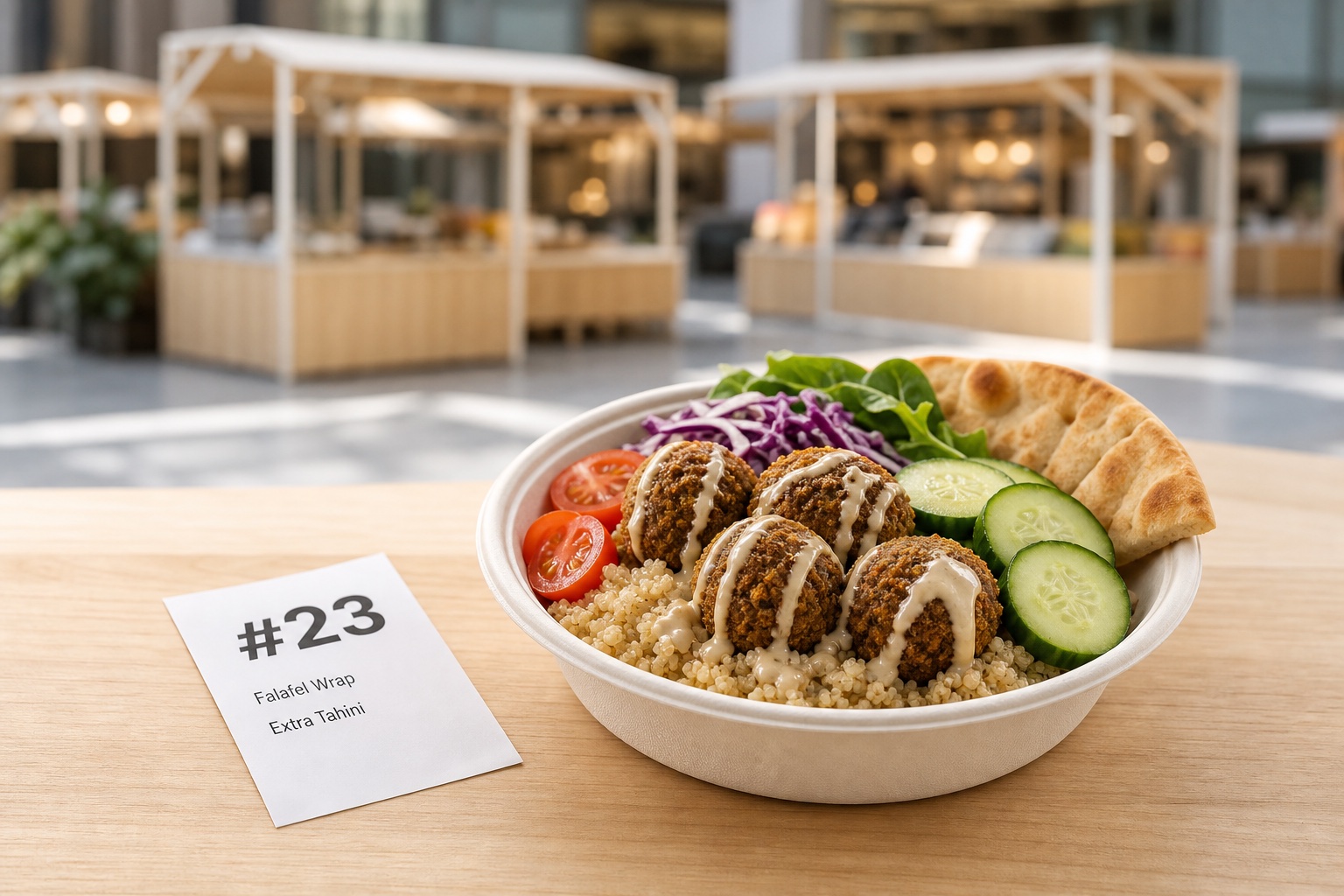
Print the number
Slip prints a customer receipt and, when preparation-ticket printing is enabled, a kitchen ticket—both can carry the same order number.
03
Let them explore
Shoppers can browse the market while you keep the line moving and the next order cooking.

04
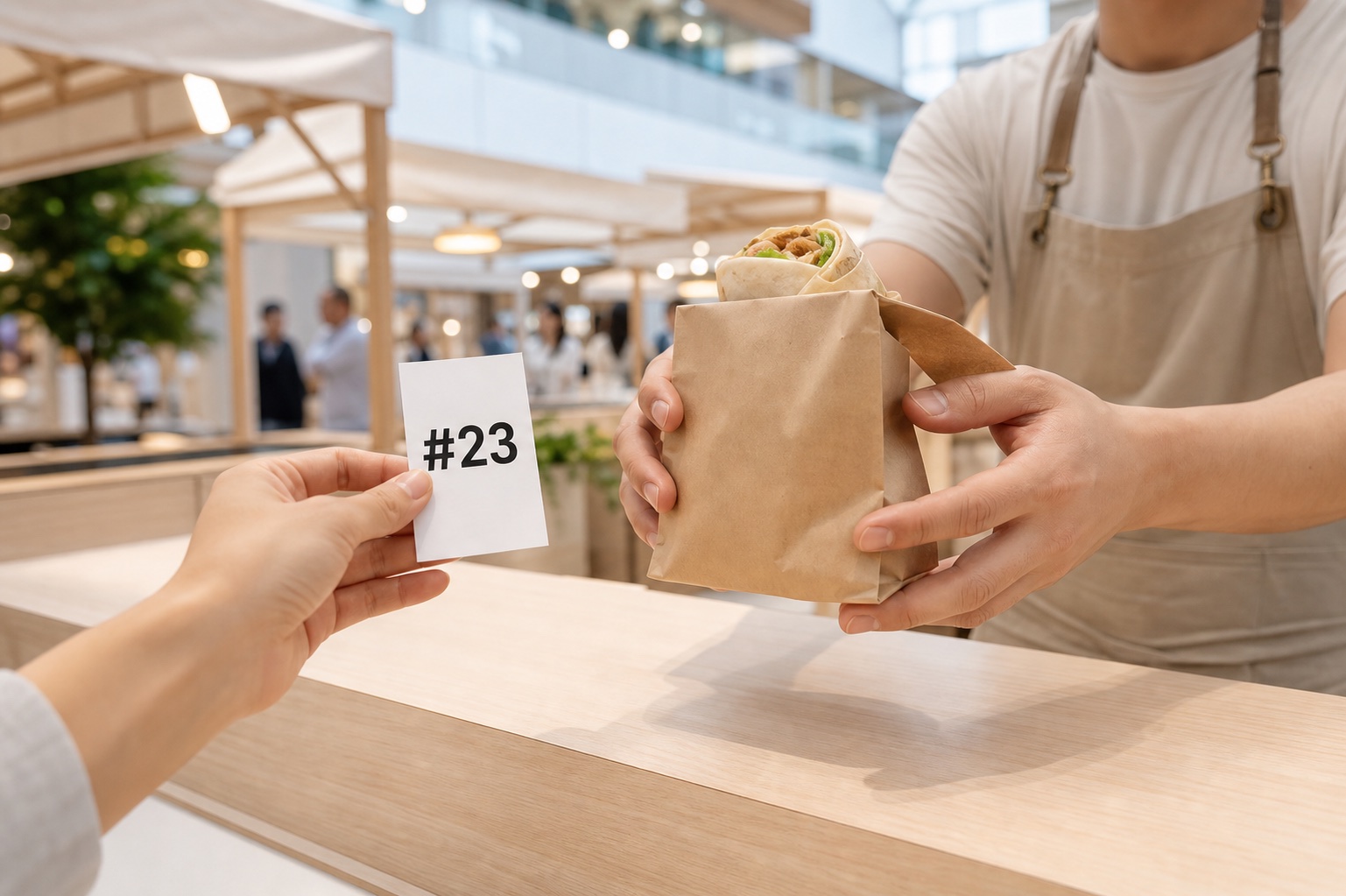
Match and hand off
When they return, match the same printed number before handing over the order.
Pack up with a clear total.
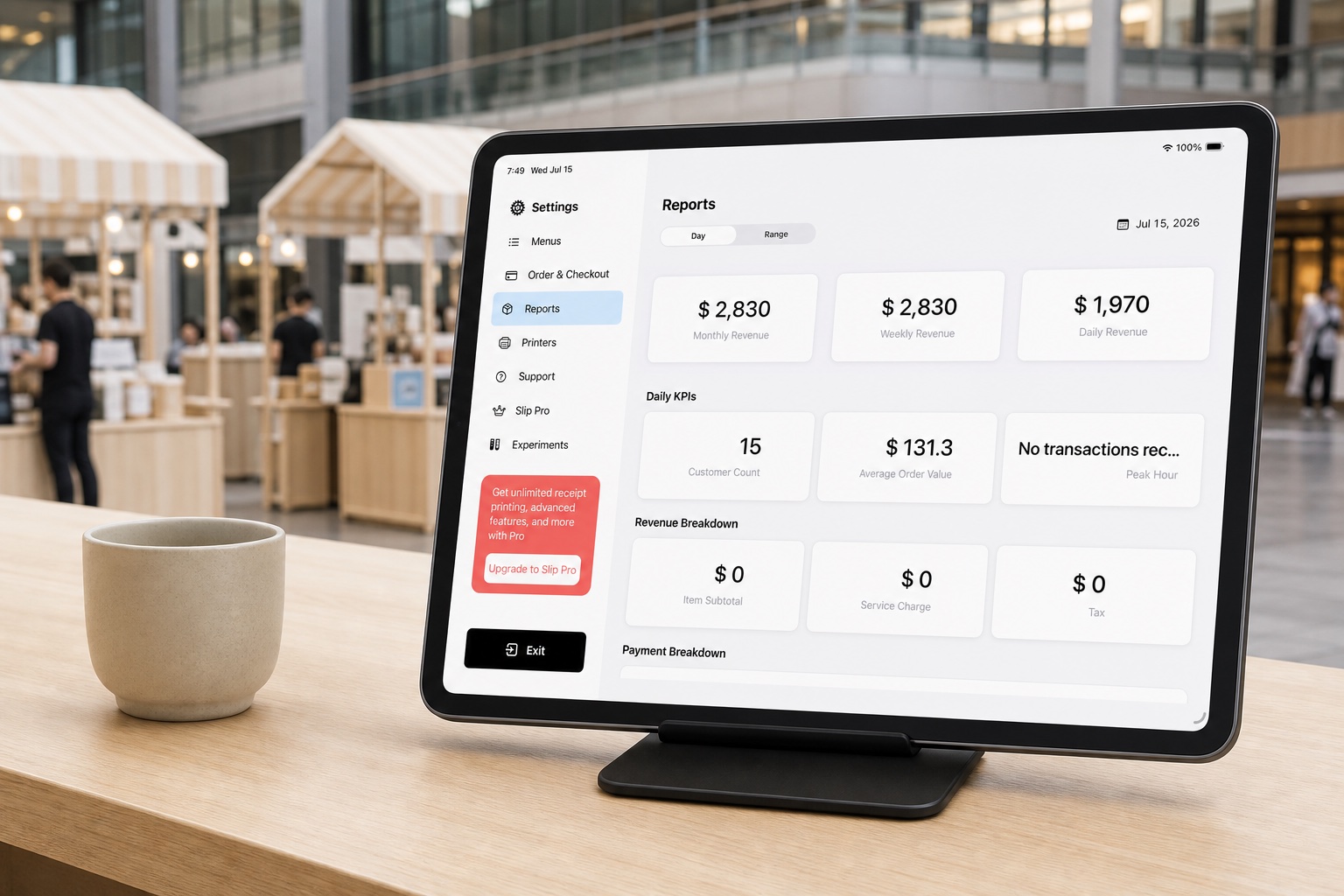
Review sales, refunds, payment records, and cash count in one simple daily report—so you can close with confidence.